Watch TikTok Shop
Videos in Browser
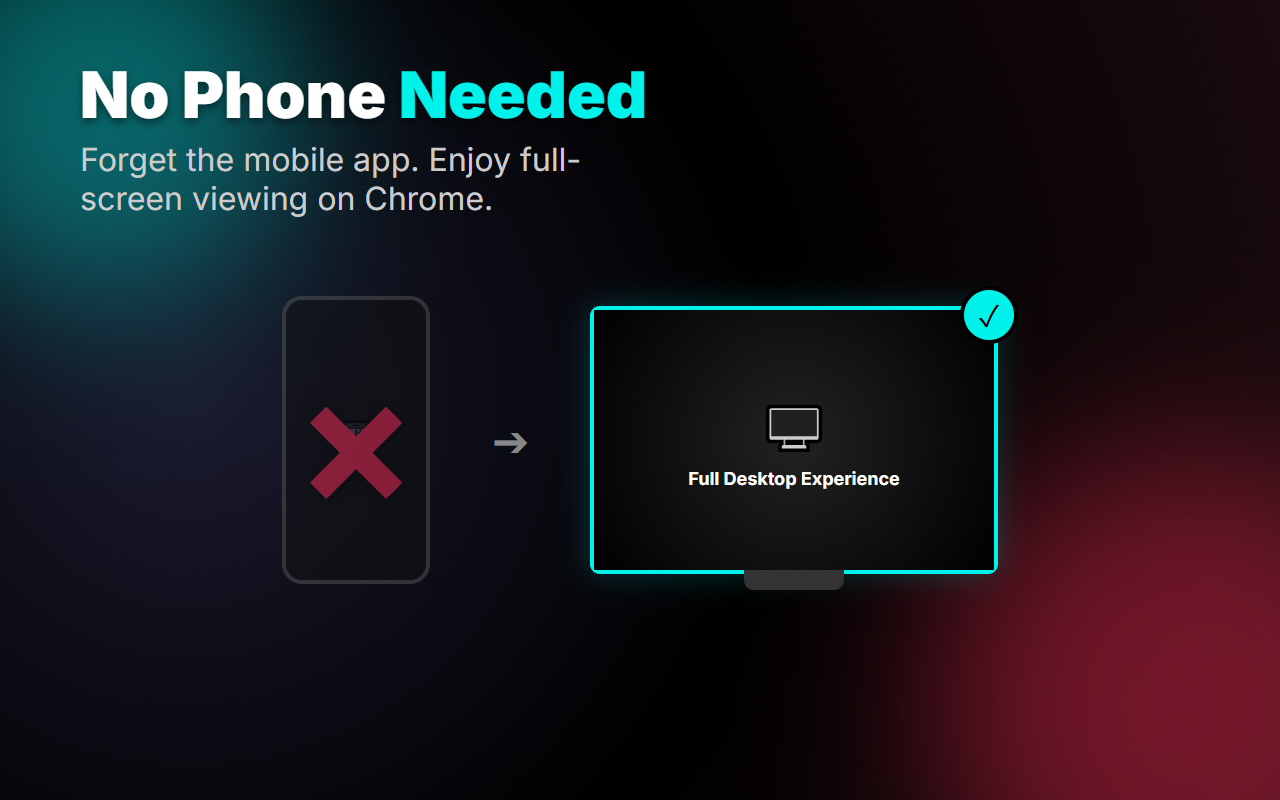
No mobile device needed. Browse TikTok Shop videos directly in your desktop browser with TikVid.
✓ 100% free forever ✓ Instant setup ✓ Works on all TikTok videos
Why Choose TikVid?
The easiest way to browse TikTok Shop videos on desktop
Desktop First
Watch TikTok Shop videos on your large screen. No more squinting at your phone or switching devices.
Instant Access
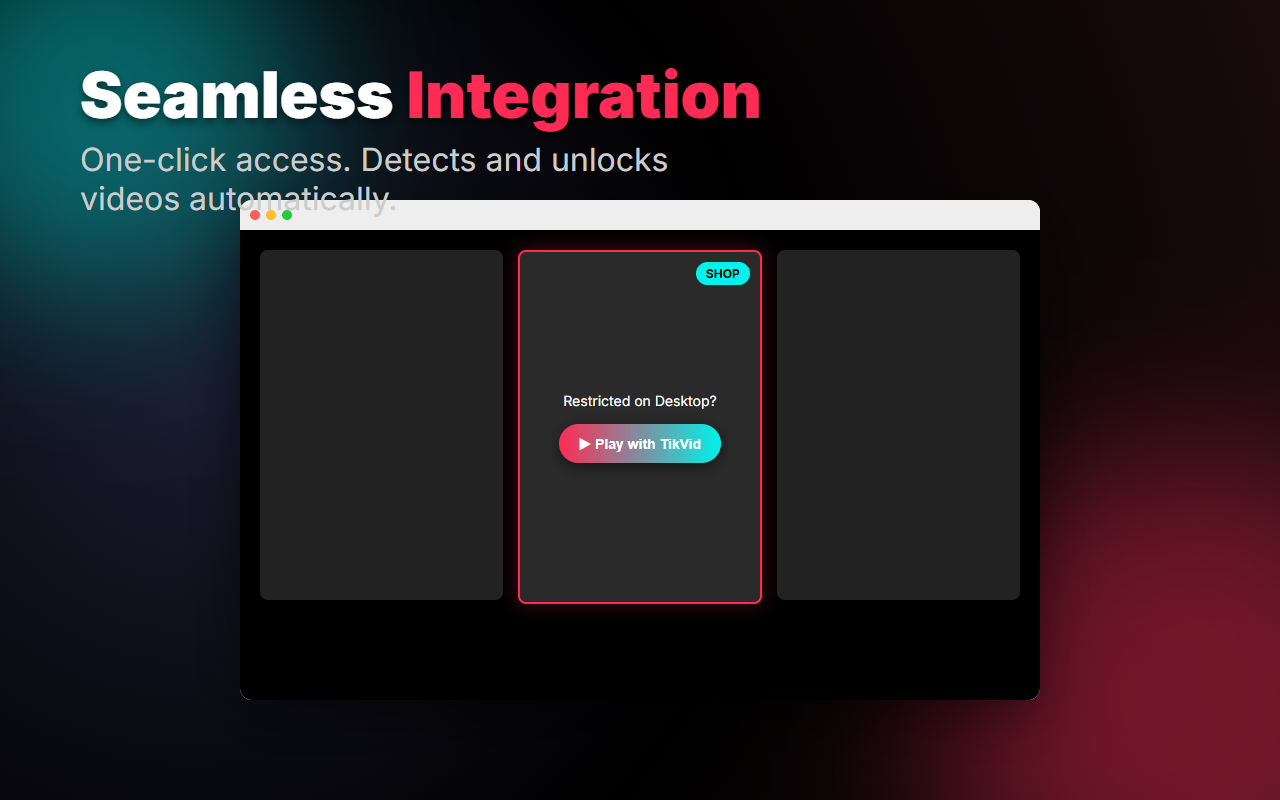
One click install. Works immediately on any TikTok page. No configuration, no login required.
100% Private
All processing happens locally. We never collect, store, or share your browsing data. Period.
Get Started in Seconds
Three simple steps to desktop TikTok Shop browsing
Install Extension
Click "Add to Chrome" and confirm the installation. Takes 5 seconds.
Visit TikTok
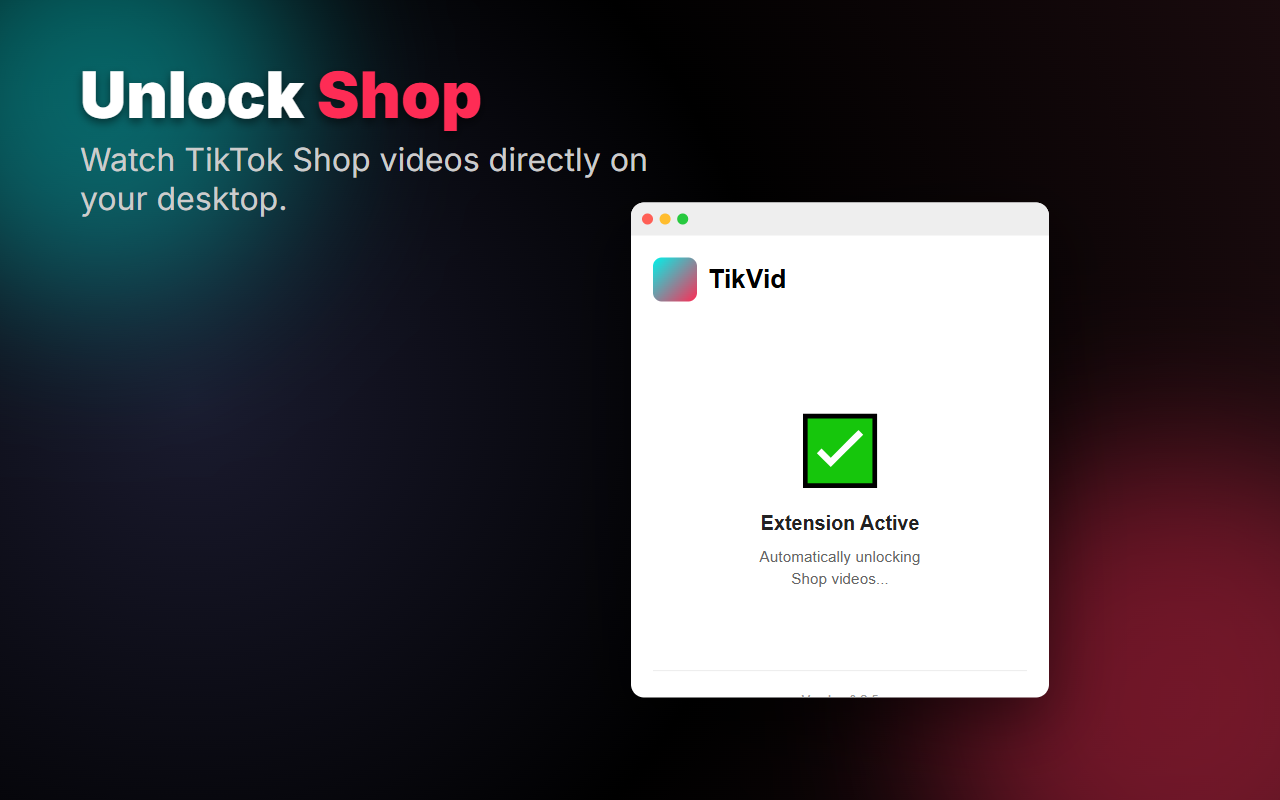
Navigate to any TikTok page in your browser. TikVid activates automatically.
Watch Videos
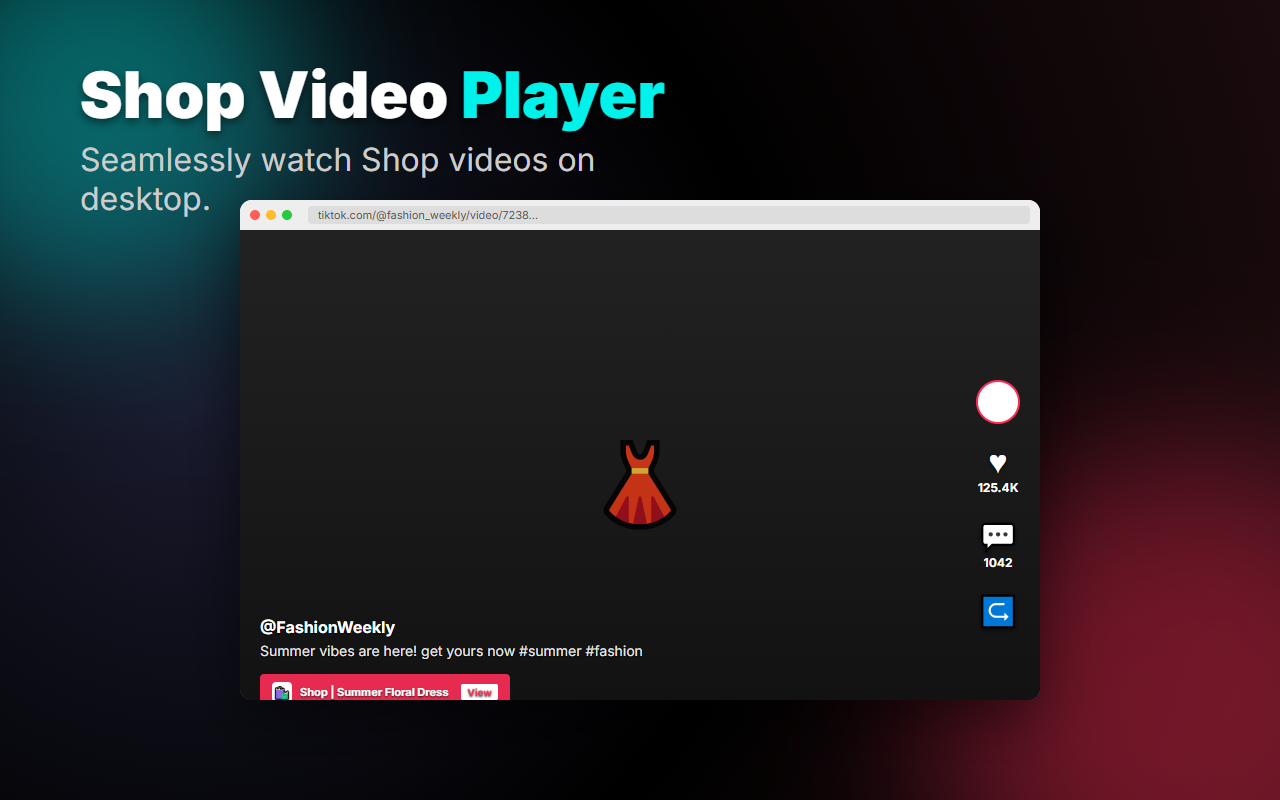
Enjoy TikTok Shop videos on your desktop. Full screen, better experience.
Screenshots
A quick look at TikVid in action — from the popup to watching TikTok Shop videos on desktop.
Frequently Asked Questions
Is TikVid really free?
Yes! TikVid is completely free to use. No hidden fees, no premium tiers, and 100% free forever. Just install and enjoy TikTok Shop videos on desktop.
Does TikVid collect my data?
Absolutely not. TikVid processes everything locally on your device. We never collect, store, transmit, or sell any of your browsing data. Your privacy is our priority.
Which browsers are supported?
TikVid works on Google Chrome and all Chromium-based browsers (Edge, Brave, Opera, Vivaldi). Firefox and Safari support coming soon!
Will this slow down my browser?
No. TikVid is lightweight and optimized for performance. It only activates on TikTok pages and uses minimal system resources. You won't notice any slowdown.
How do I get support?
Visit our documentation for guides and troubleshooting. For additional help, reach out via email or leave a review on the Chrome Web Store.
Ready to Watch TikTok Shop Videos on Desktop?
Join thousands of users who've upgraded their TikTok browsing experience with TikVid.
Install TikVid Now - Free Forever⭐ Rated 5/5 by users • 🔒 100% Privacy Guaranteed • ⚡ Works Instantly